Customized 100pcs/Lot USB to CAN RS232 Serial Converter Adapter cABLE
Production time about 2-3 weeks.
Main Features:
1. The conversion protocol is optimized to make the conversion more efficient
2. Added the configuration saving, so the configuration is automatically saved, no need to reconfigure after the software is opened
3. Add the base conversion in the sending and receiving data buffer, and you can directly see the conversion of hexadecimal data into hexadecimal data.
The decimal system displays both the unsigned value and the signed value, saving the user the trouble of converting by himself with the calculator
4. If the user is not familiar with filtering and shielding ID, you can customize the accepted ID and directly define the ID you want to see, which is very convenient for debugging
5. You CAN view the status of the CAN bus to analyze CAN bus problems
6. Save the files as EXCEL files or TXT files.
7. View the accepted data in sequence or refresh the accepted data.
First, the hardware part
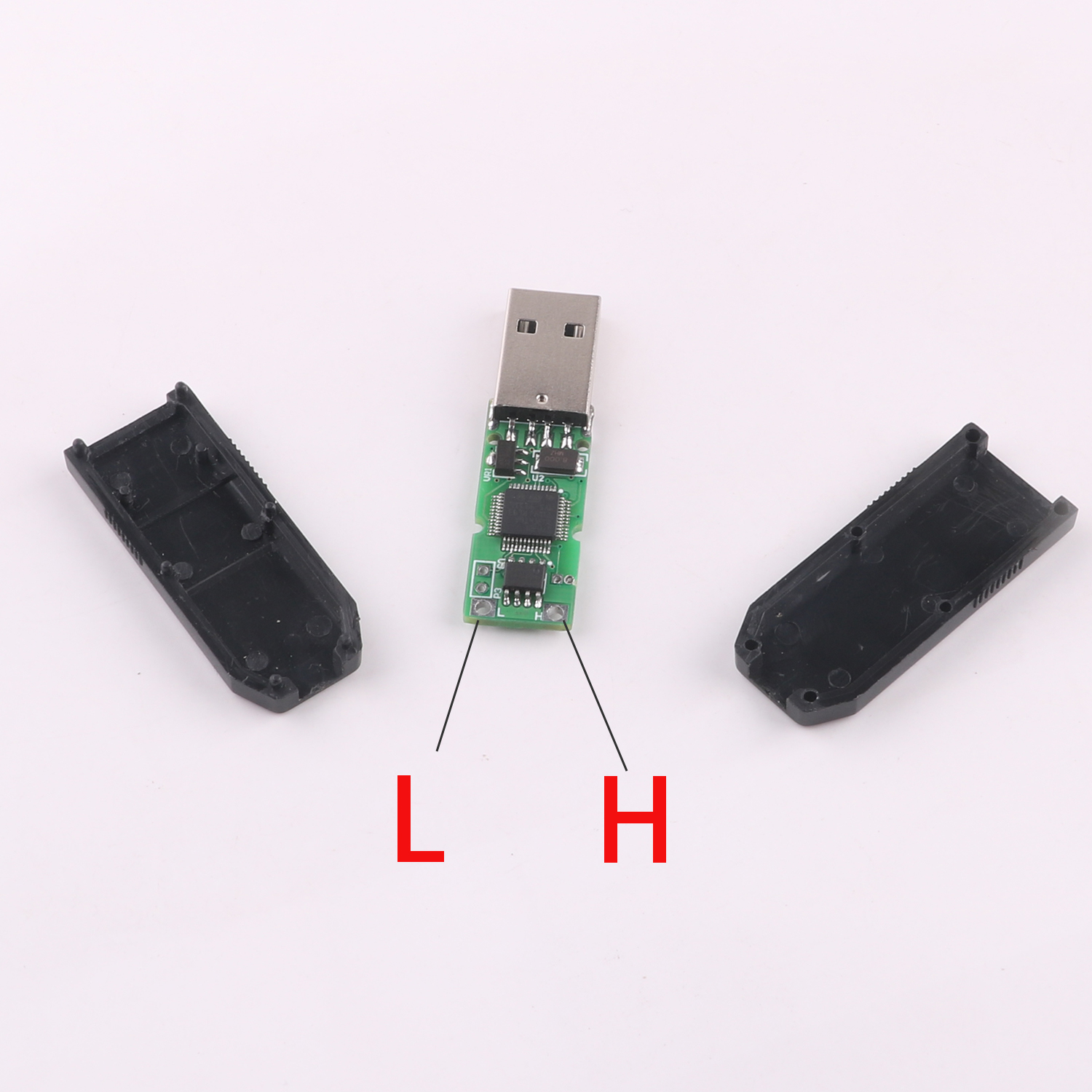
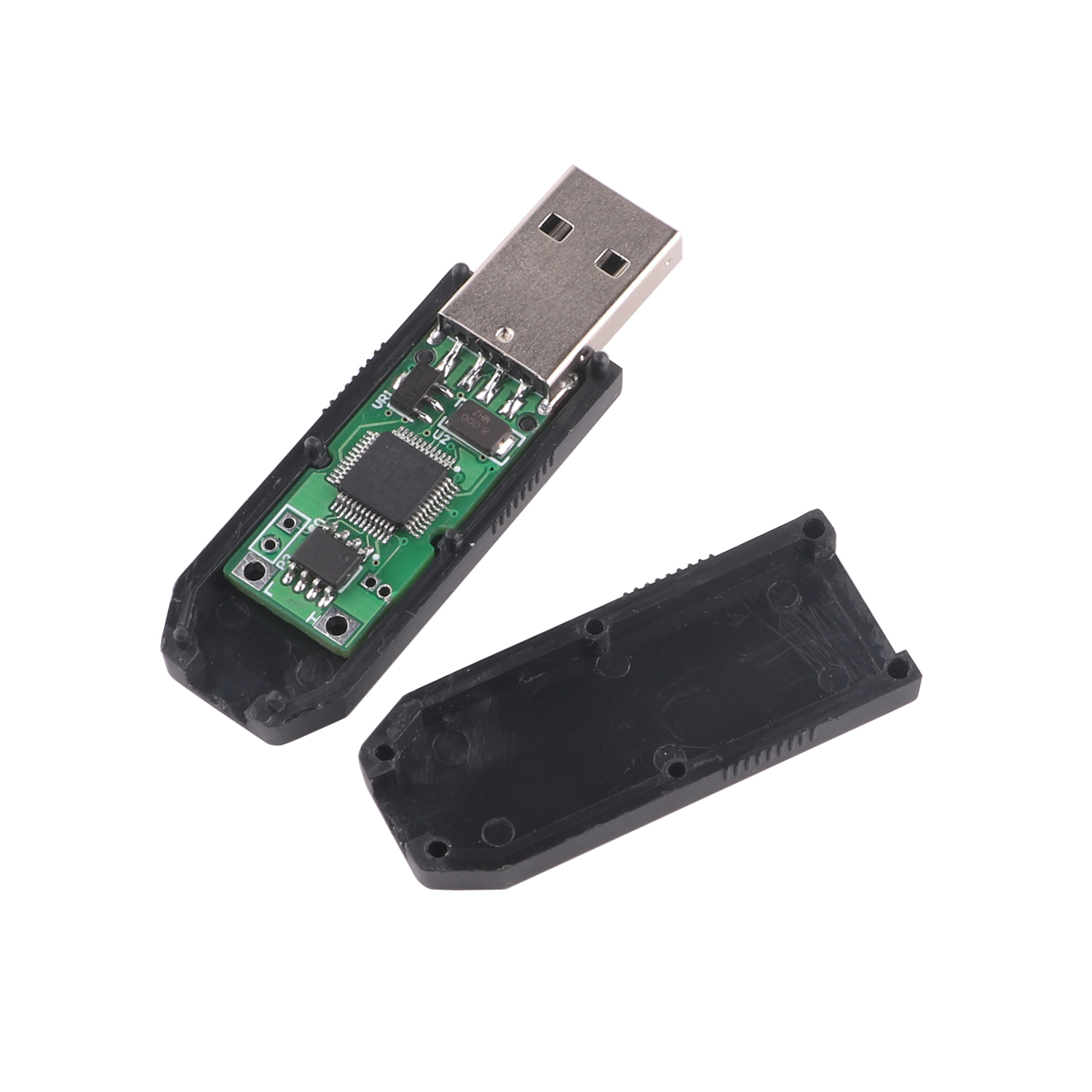
1. TVS surge protection is added inside the hardware
2. It comes with a 120 ohm matching resistor
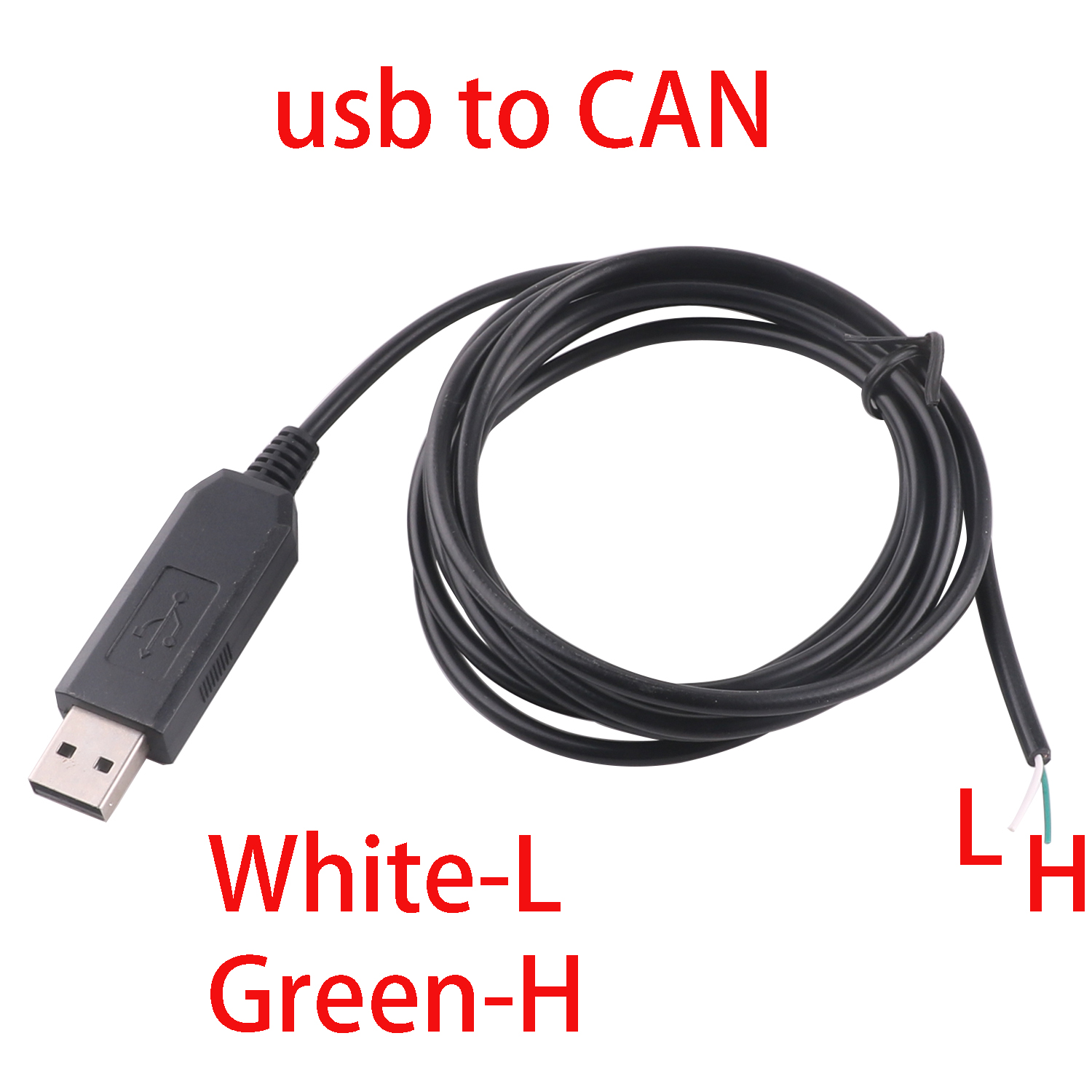
3. Free data cable with magnetic ring shield
Two, the software part
1. Basic functions -- communication support CAN2.0A (standard frame) and CAN2.0B (extended frame)
2. Basic functions - CAN communication baud rate range (5K~1M), you CAN customize the CAN baud rate
3. Basic functions -- CAN send and receive data display with time mark, accepted data can be sequential display, can also refresh the display
4. Basic functions - Sending data can be sent in single frame or multiple frames together, manually or periodically, or in a cycle, making debugging more convenient
5. Enhanced function - The data can be automatically answered. When we want to receive the set acceptance ID, we can automatically reply the data with the set sending ID
6. Enhanced features - You CAN manually check the CAN bus status
7. Enhanced functions -- you can directly set the ID you want to accept, instead of filtering ID or masking ID, you can directly enter the ID you want to accept and then you can directly configure it.
8. Enhanced features -- there are four working modes to choose from (normal mode is mainly used for direct communication with CAN devices; The loopback mode CAN be used for the self-test of the converter. In this mode, the converter will collect itself and send the data to the CAN bus. Silent mode CAN be used to monitor CAN bus data without affecting CAN bus communication. Loopback silent mode is commonly used for thermal test CAN converters.
9. Enhanced features - Send and receive data can be saved in TXT format or Excel format
10. Enhancements - The baud rate of the virtual COM port can also be modified. The default communication baud rate is over 1M, so don't worry about conversion efficiency
11. Advanced features -- So the configuration is automatically saved and can be used directly next time
12. Advanced Features - Secondary development is very simple, just need to process a send and receive command is OK
13. Advanced features - Added transparent transmission function
14. Advanced features -- The software interface can be switched between Chinese and English