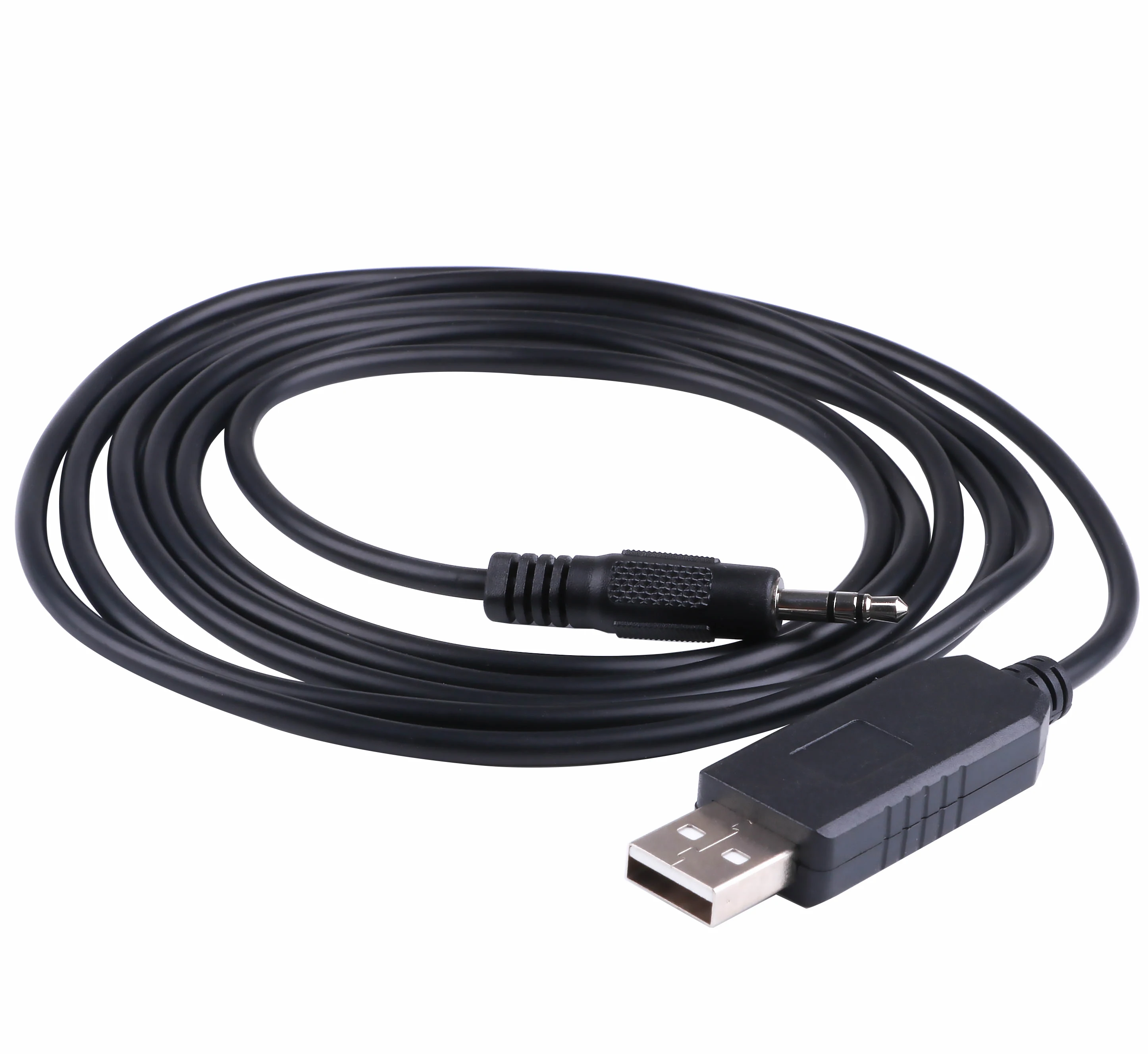
• USB RS232 Serial to 3.5mm Adapter Plug Audio Jack Cable for harvest Inspector Alert V2 Surface Contamination Meter
  • USB RS232 Serial to 3.5mm Adapter Plug Audio Jack Cable for harvest Inspector Alert V2 Surface Contamination Meter
  • USB RS232 Serial to 3.5mm Adapter Plug Audio Jack Cable for harvest Inspector Alert V2 Surface Contamination Meter
  • USB RS232 Serial to 3.5mm Adapter Plug Audio Jack Cable for harvest Inspector Alert V2 Surface Contamination Meter
  • USB RS232 Serial to 3.5mm Adapter Plug Audio Jack Cable for harvest Inspector Alert V2 Surface Contamination Meter
  • USB RS232 Serial to 3.5mm Adapter Plug Audio Jack Cable for harvest Inspector Alert V2 Surface Contamination Meter

USB RS232 Serial to 3.5mm Adapter Plug Audio Jack Cable for harvest Inspector Alert V2 Surface Contamination Meter

No.Q000560
Length:
1.8M
  • USB RS232 Serial to 3.5mm Adapter Plug Audio Jack Cable for harvest Inspector Alert V2 Surface Contamination Meter
  • USB RS232 Serial to 3.5mm Adapter Plug Audio Jack Cable for harvest Inspector Alert V2 Surface Contamination Meter
  • USB RS232 Serial to 3.5mm Adapter Plug Audio Jack Cable for harvest Inspector Alert V2 Surface Contamination Meter

SPECIFICATION

USB RS232 Serial to 3.5mm Adapter Plug Audio Jack Cable for harvest Inspector Alert V2 Surface Contamination Meter

Length :1.8M

Chipset: Silabs CP2102

Supported OS: Windows 11/10/8.1/8/7/Vista/Server 2003/XP/2000/CE,Mac OS-X/OS-9,Linux


First of all, please make sure that your computer has the Silabs CP2102 chip serial port driver installed. Generally, when your computer is connected to the Internet, it will automatically recognize and automatically install the Silabs CP2102chip serial port driver. But in case your computer does not automatically install the serial port driver, you must install it manually. On how to install, you can search on google. Or refer to the following website:https://www.silabs.com/developers/usb-to-uart-bridge-vcp-drivers

Download